
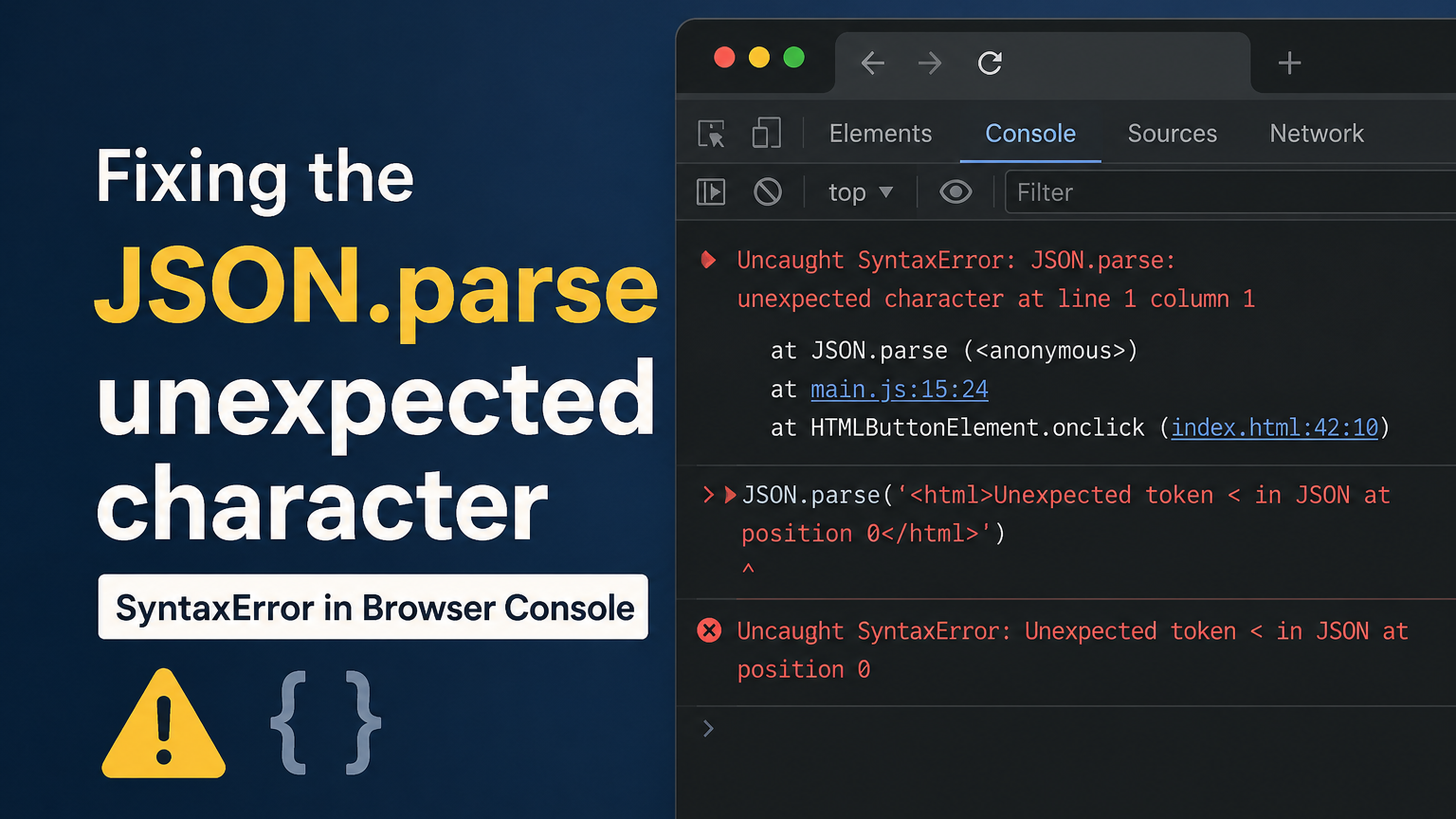
If you’re seeing “JSON.parse: unexpected character at line 1 column 1 of the JSON data — here are the 5 most common causes and exact fixes.“ This keeps visitors on the page and reduces bounce rate. You’re calling an API, and everything looks fine—then boom. SyntaxError: JSON.parse: unexpected character at line 1 column 1 of the JSON data. Your app breaks, your console turns red, and you have no idea why. You’re not alone—this is one of the most Googled JSON errors right now. The good news? It’s almost always fixable in minutes, and this guide will show you exactly how.
What Is the “Unexpected Character at Line 1 Column 1 of the JSON Data” Error?
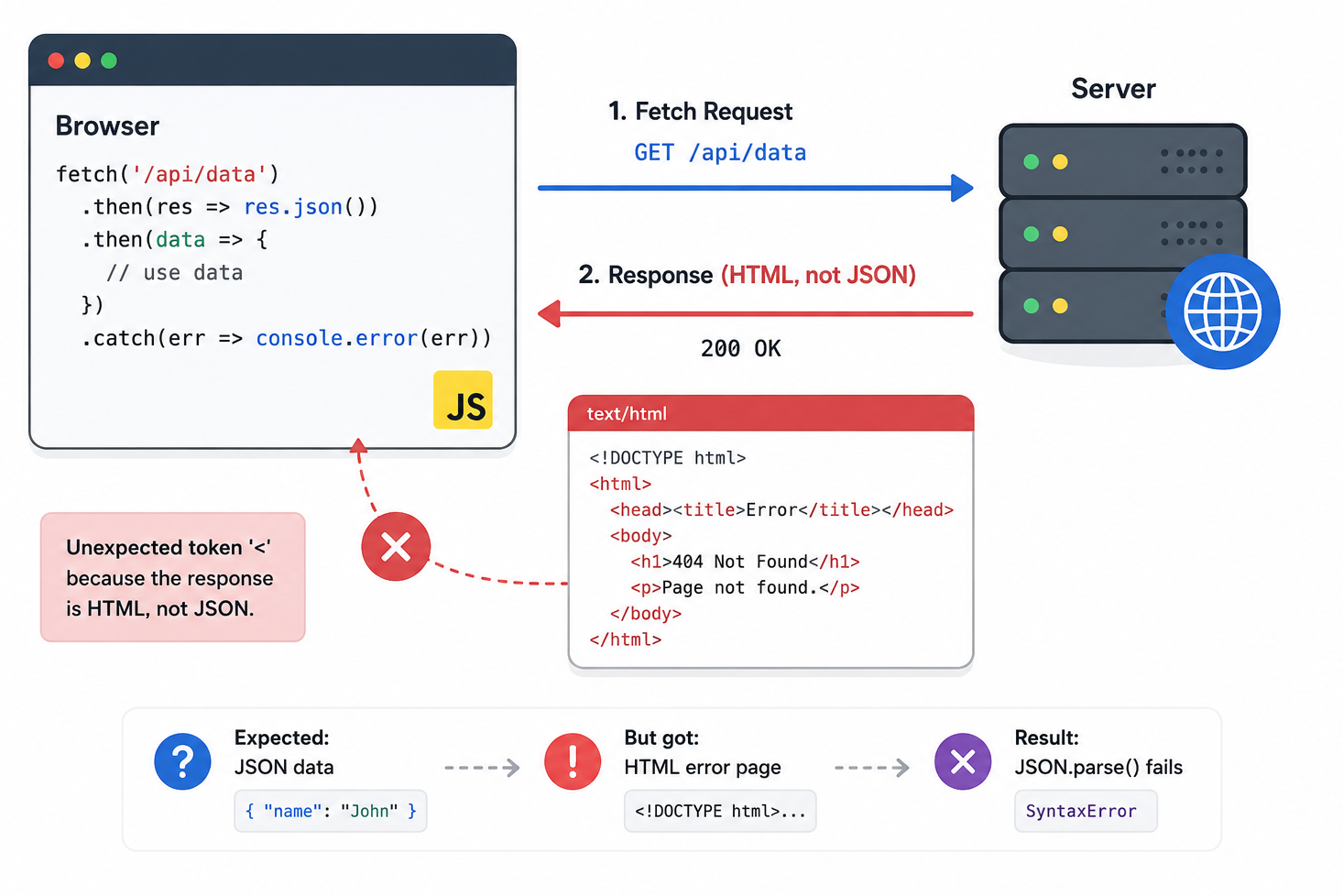
This error means your JavaScript tried to parse a response as JSON — but what it actually received was not JSON at all.
When you call JSON.parse(), it expects something like this:
{"name": "Ali", "role": "developer"}
But instead, your code received something like this:
<!DOCTYPE html> <html><head><title>404 Not Found</title></head>
Your server returned an HTML page instead of JSON. Since JSON.parse() hits the < character at position 1, it immediately throws the unexpected character at line 1, column 1 of the JSON data error.
This is a Firefox-specific message. In Chrome you’ll see “Unexpected token < in JSON at position 0” — same problem, different wording.
For the full technical definition, see the MDN JSON.parse() documentation.
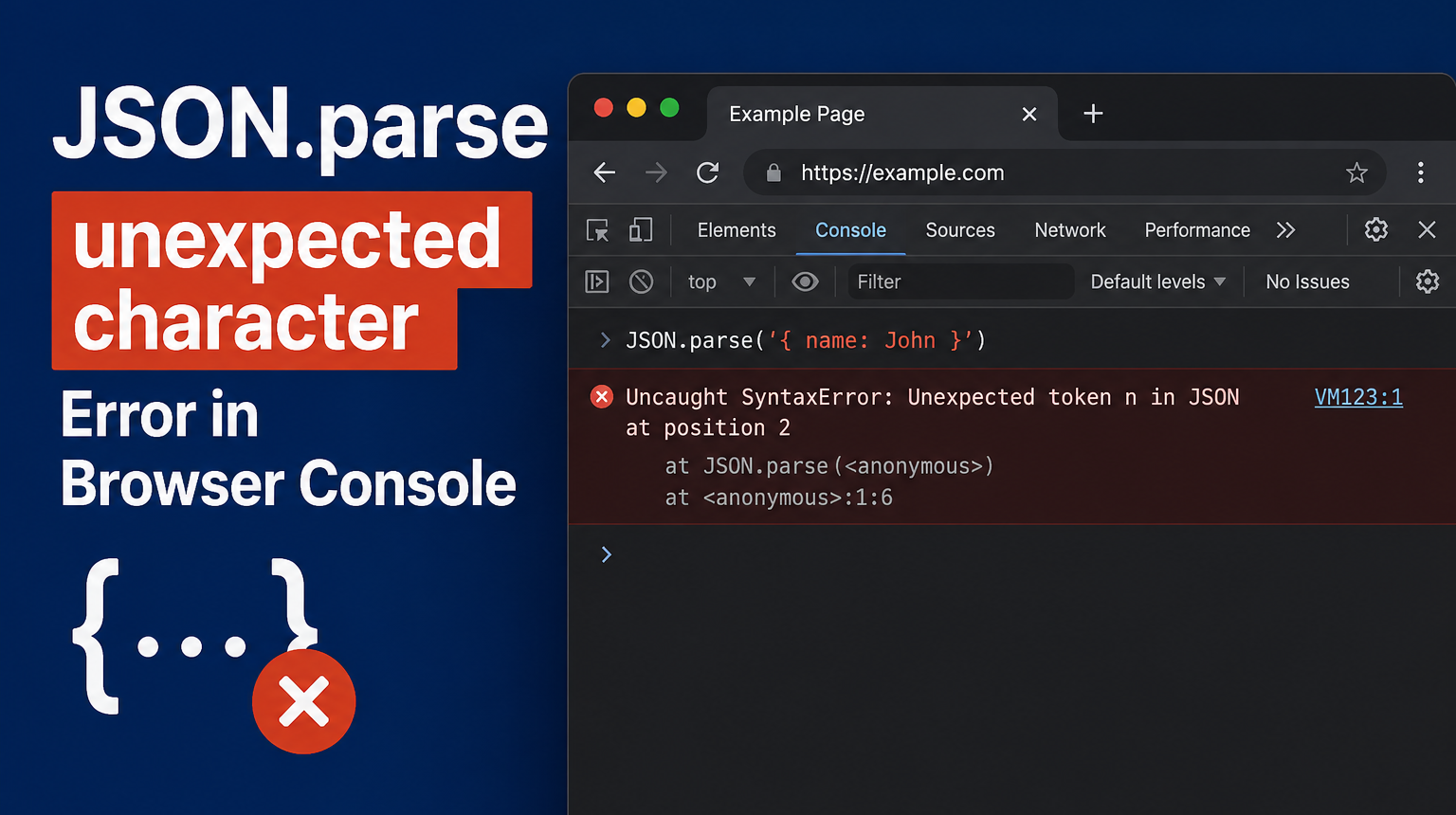
5 Common Causes of This Error
Before fixing the unexpected character at line 1 column 1 of the JSON data error, you need to know why it happens:
1. Wrong API URL or endpoint — A typo in the URL causes the server to return a 404 HTML page instead of JSON.
2. Missing request headers — Your server expects Accept: application/json but you didn’t send it, so it returns HTML.
3. BOM (Byte Order Mark) character — Some text editors add an invisible character at the start of a JSON file. JSON.parse() hits it before the { and fails.
4. Empty server response — JSON.parse("") throws this error because an empty string is not valid JSON.
5. API returning an HTML error page — A server crash, auth failure, or rate limit causes your API to return an HTML error page instead of a proper JSON error response.
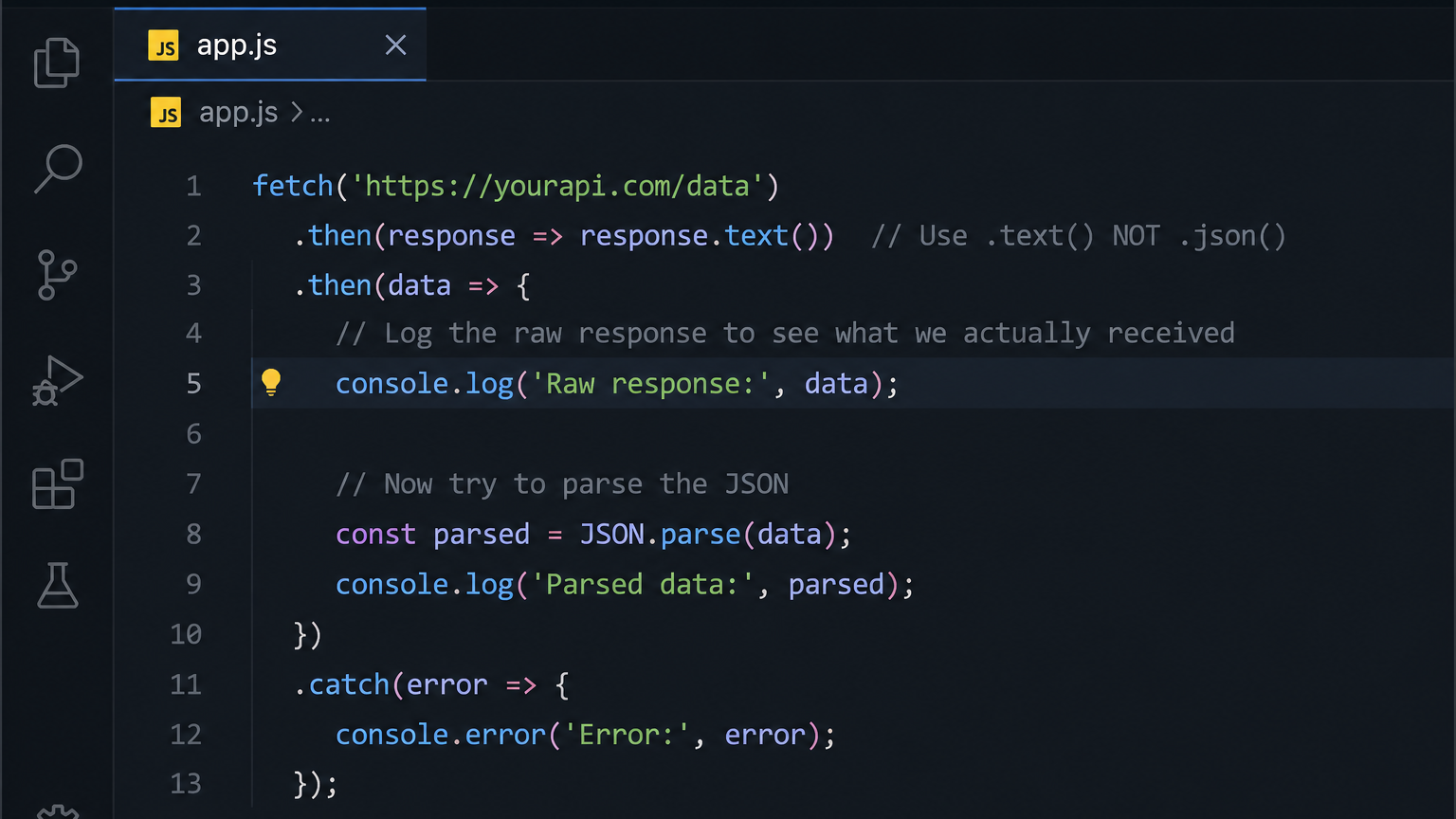
Fix #1 — Log the Raw Response Before Parsing
The fastest way to diagnose the unexpected character at line 1, column 1 of the JSON data error is to see exactly what your server is actually sending back. Don’t parse blindly—log it first.
fetch('https://yourapi.com/data')
  .then(response => response.text())  // Use .text() NOT .json()
  .then(data => {
    console.log(data);  // See the raw response here
    const parsed = JSON.parse(data);
  })
.catch(error => console.error('Error:', error));We used .text() instead of .json() so you see the raw string. If your console shows an HTML page, you’ve found your problem — your server isn’t returning JSON and you need to fix the URL or the server-side code.
Fix #2 — Wrap JSON.parse in a try/catch Block
Never call JSON.parse() without protecting it. One bad response will crash your entire app. Wrapping it in try/catch stops the unexpected character at line 1, column 1 of the JSON data error from bringing down your application.
fetch('https://yourapi.com/data')
  .then(response => response.text())
  .then(text => {
    try {
      const data = JSON.parse(text);
      console.log('Parsed successfully:', data);
    } catch (error) {
      console.error('JSON parse failed. Raw response was:', text);
    }
});This is a must-have pattern in any production code. When parsing fails, you’ll see the raw response logged—making debugging 10x faster.
Not sure what your code is actually doing? Try our free AI Code Explainer tool—paste your code and get a plain-English explanation in seconds.
Fix #3 — Set the Correct Content-Type and Accept Headers
Sometimes your server returns HTML because your request never told it you want JSON back. Fix the unexpected character at line 1, column 1 error by setting the correct headers:
fetch('https://yourapi.com/data', {
  method: 'GET',
  headers: {
    'Accept': 'application/json',
    'Content-Type': 'application/json'
  }
})
  .then(response => {
    if (!response.ok) {
      throw new Error(`HTTP error! Status: ${response.status}`);
    }
    return response.json();
  })
  .then(data => console.log(data))
.catch(error => console.error('Fetch error:', error));Two things are happening here: Accept: application/json tells the server what format you want and response.ok catches HTTP 404/500 errors before they ever reach JSON.parse(). This single fix solves the unexpected character at line 1, column 1 of the JSON data error for a lot of developers.
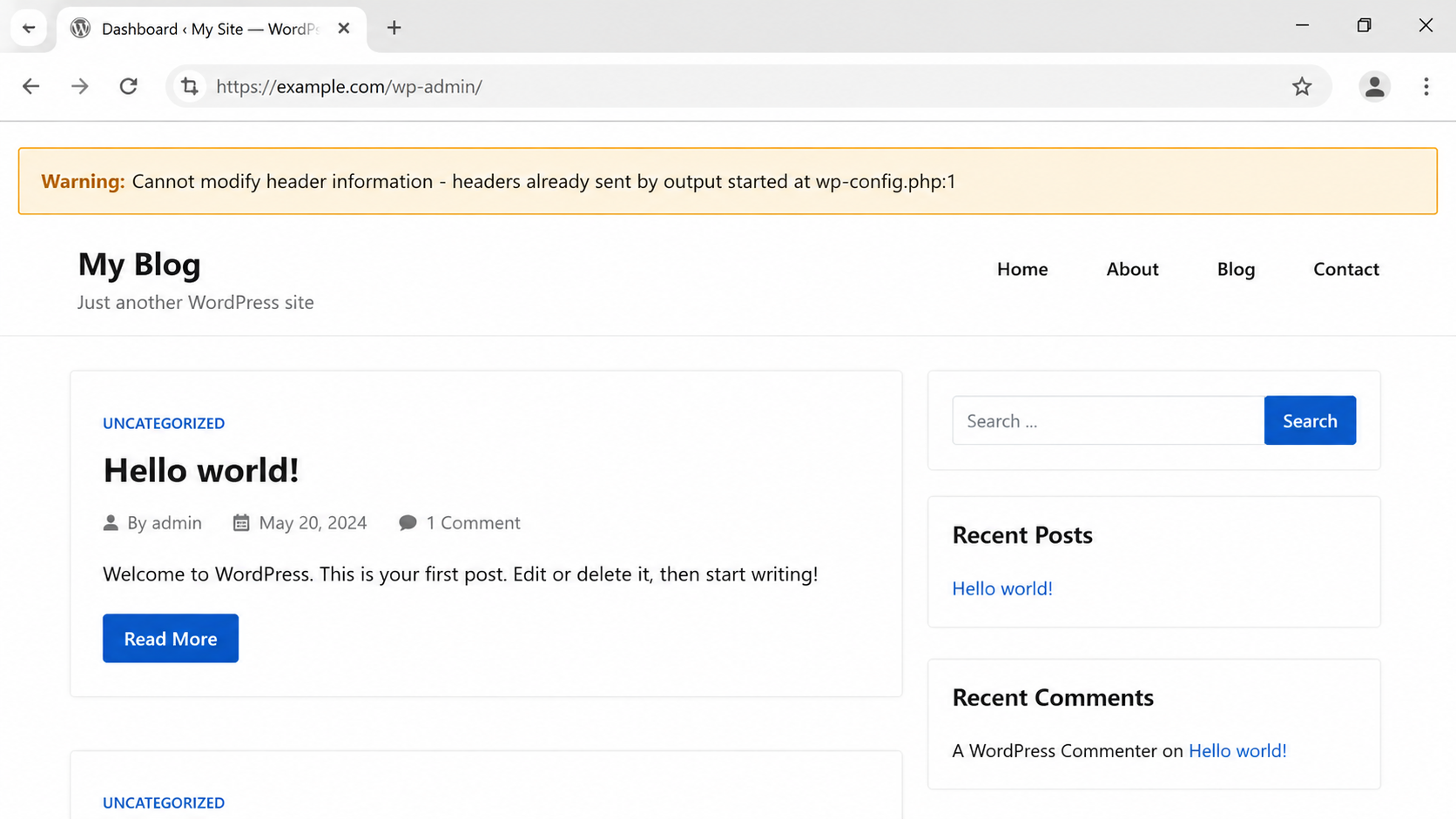
Fix #4—WordPress, Joomla, and OpenCart Specific Fixes
If you’re on a CMS and suddenly seeing the unexpected character at line 1, column 1 of the JSON data error after an update, a plugin conflict or server config is almost certainly the cause.
WordPress fixes:
- Deactivate all plugins → reactivate one by one to find the conflict
- Check your
.htaccessfor any rules redirecting AJAX/JSON requests - Add to
wp-config.phpto stop PHP warnings corrupting your JSON output:
error_reporting(0);
@ini_set('display_errors', 0);Joomla fixes:
- This error appeared widely in Joomla 6.x installs with certain extension packages in early 2026
- Try reinstalling the extension—many users report it succeeds on the second attempt
- Check if the issue is isolated to one specific zip package
OpenCart fixes:
- Clear the cache: Admin → System → Maintenance → Cache
- Verify your PHP version is compatible with your OpenCart version
Fix #5 — Clear Browser Cache and Local Storage
Your browser may be serving a stale cached HTML error page from a previous failed request. This causes the unexpected character at line 1, column 1 of the JSON data error to keep appearing even after you’ve already fixed the server.
Clear browser cache: Ctrl + Shift + Delete → select cached images and files → clear.
Clear all local storage via console:
localStorage.clear();
console.log('Local storage cleared');Clear one specific key:
localStorage.removeItem('yourKeyName');Then hard reload with Ctrl + Shift + R (Mac: Cmd + Shift + R) to bypass cache. This simple step is overlooked by a surprising number of developers.
Quick Tip — Always Validate JSON Before Parsing
Invalid JSON — a missing comma, an unmatched quote, a trailing character — will trigger the unexpected character at line 1 column 1 of the JSON data error every time. Always validate before you parse.
Use JSONLint.com to paste your JSON and get instant highlighting of exactly where the problem is.
Or add a safe parsing helper to your project:
function safeParseJSON(str) {
  try {
    return JSON.parse(str);
  } catch (e) {
    console.error('Invalid JSON string:', str);
    return null;
  }
}Replace every JSON.parse() in your code with safeParseJSON() — your app will never crash on a bad response again.
Use our free JSON Formatter to validate and format your JSON instantly →
Quick Reference — All Fixes at a Glance
| Cause | Fix |
|---|---|
| Wrong API URL | Log raw response with .text() |
| Missing headers | Add Accept: application/json |
| HTML error page returned | Check response.ok before parsing |
| WordPress/CMS plugin conflict | Deactivate plugins, fix .htaccess |
| Stale browser cache | Clear cache and localStorage |
| Invalid JSON data | Validate with JSONLint or JSON Formatter |
Fix Your JSON Error Right Now
Still stuck on the unexpected character at line 1 column 1 of the JSON data error? The fastest diagnosis is to paste your JSON into a validator and see the exact problem highlighted for you.
👉 Use our Free JSON Formatter & Validator — aicodeask.com/tools/json-formatter/
No signup. No install. Instant results — completely free.